10 ways to get more out of your car’s built-in features
May 30, 2026 by Siobhan Doyle

Want to get more out of your car’s infotainment system? These 10 tips and tricks can help improve your driving experience.
Modern infotainment systems can do more than just play music and display maps. From smarter navigation to hands-free control, your car’s built-in tech can make every drive easier, safer, and more enjoyable. But this only works if you know how to use it properly and take full advantage of its features.
Here are 10 ways to get the most out of your car’s infotainment system.
Remember, you can buy a brand new or used car right here on Carwow. And you can sell your car, too. We’re here to help you through every step of your car-changing journey.
1. Connect your smartphone
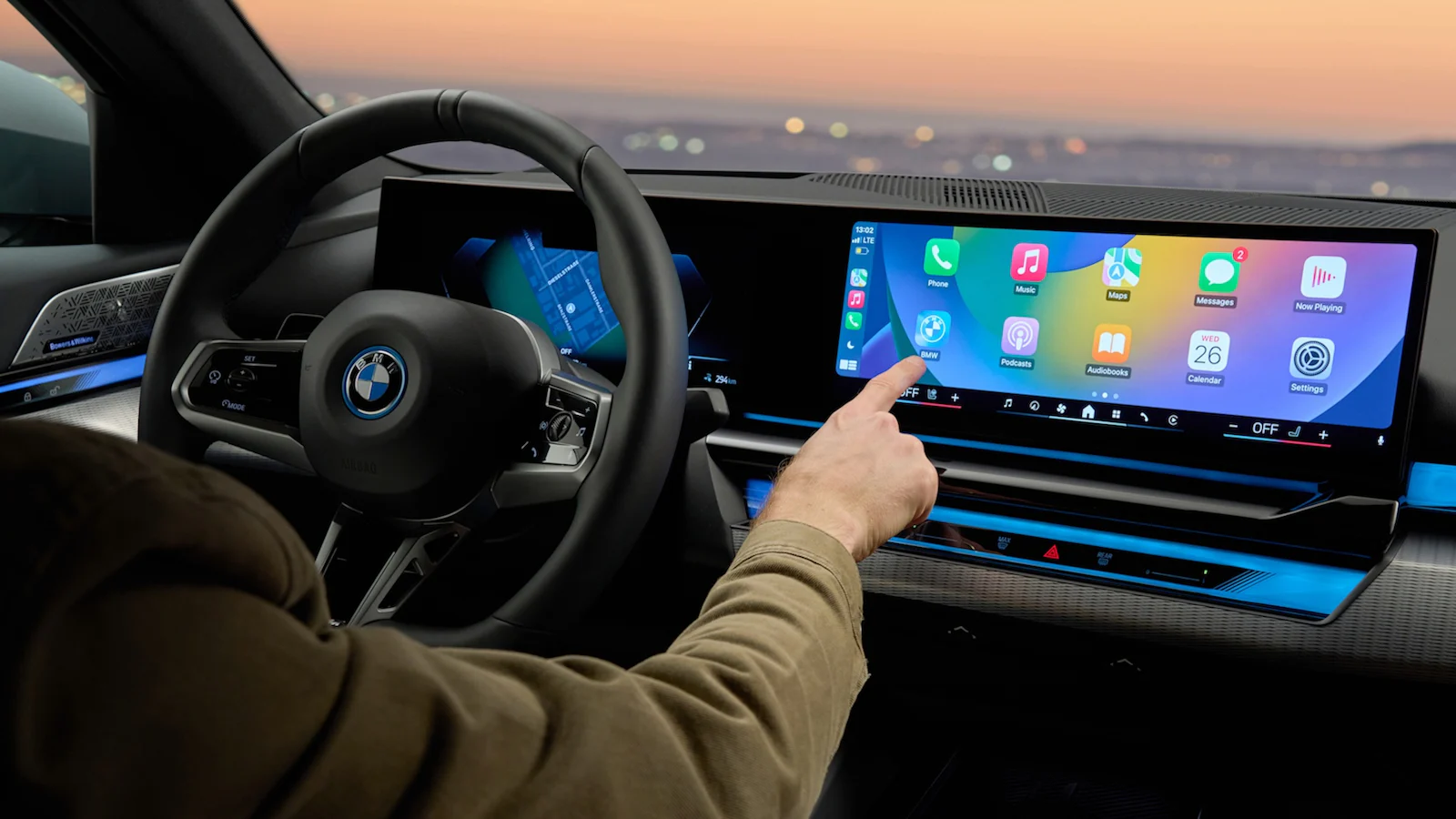
You’re probably doing this already, but syncing your phone with your car using Apple CarPlay or Android Auto makes things so much easier.
This gives you access to familiar apps such as:
- Google Maps or Apple Maps
- Spotify and podcasts
- Messaging apps
- Voice assistants
Not only does this make your system easier to use, but it also helps reduce distractions because you’re already familiar with the interface.
We have a full guide on how to make the most of your Android Auto and Apple CarPlay here.
2. Customise your home screen

You may never have changed the default infotainment layout, but a few quick tweaks can make all the difference.
Try the following:
- Moving your navigation app to the main screen
- Removing apps you never use
- Prioritising music, maps, and phone controls
- Setting up favourite contacts or destinations
A cleaner screen means few taps and less time taking your eyes off the road.
3. Use split-screen features
If your infotainment system supports split-screen mode, take advantage of it.
You can:
- Keep maps visible while controlling music
- View navigation and incoming calls at the same time
- Reduce the need to constantly switch between menus
It’s a simple feature that can reduce distractions while driving.
4. Learn your voice commands

Voice controls are one of the safest and most useful features in any modern car.
Instead of tapping through menus while driving, use voice commands to:
- Make calls
- Send texts
- Start navigation
- Play music
- Ask for weather or traffic updates
For the best results, keep requests simple and direct.
In fact, Android Auto now has Gemini AI integrated into its system, which should make your in-car interaction feel more natural and responsive.
5. Don’t ignore your steering wheel controls

Your steering wheel buttons are there for a reason. They pair perfectly with your infotainment screen.
Learning these shortcuts can help you:
- Adjust volume quickly
- Skip songs
- Answer calls
- Activate voice assistants
Using physical controls instead of the touchscreen can help reduce distraction while driving.
6. Program shortcuts for everyday tasks
Many infotainment systems allow you to create shortcuts or programmable buttons.
These can save time by giving you one-touch access to:
- Favourite radio stations
- Frequent destinations
- Phone contacts
- Climate settings
- Camera views
If you regularly use the same features, setting shortcuts is worth the effort.
7. Keep your software updated
Just like your smartphone, most modern infotainment systems can receive updates that can improve performance, fix bugs and add new features.
Updates may include:
- Faster response times
- Better connectivity
- Bug fixes
- Improved navigation
- Security enhancements
Some vehicles update automatically over Wi-Fi or cellular networks, while others require manual updates through the manufacturer’s website or dealership.
8. Take time to explore hidden features
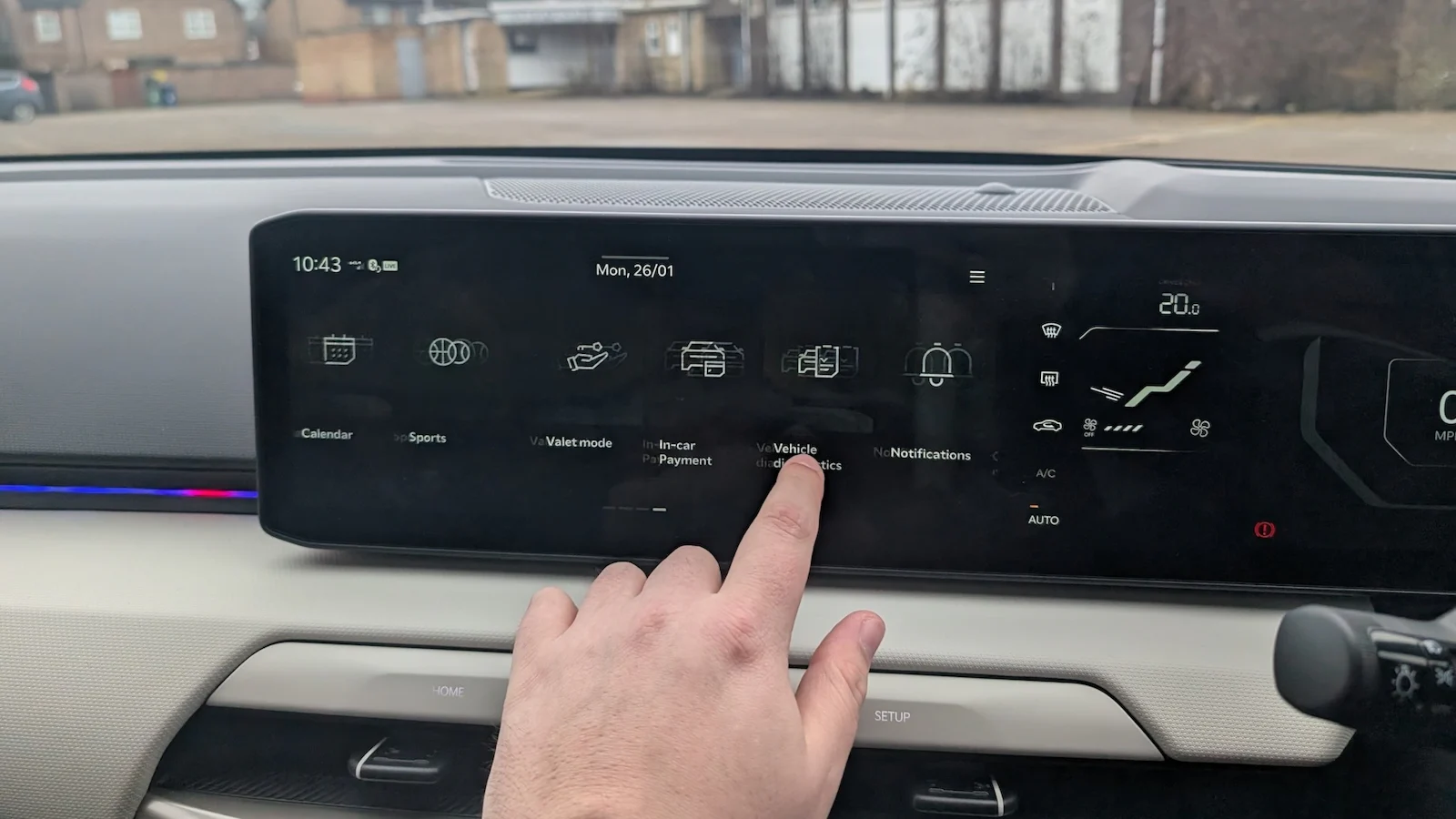
Many infotainment systems include features that you may not realise you even have.
Depending on your car, you may have access to:
- Wireless phone charging
- Ambient lighting controls
- Built-in apps
- Parking camera settings
- Driver assistance customisation
Spend a few minutes exploring the menus while parked. You may be surprised by what your system can do.
9. Improve audio settings for better sound

Most drivers never touch their car’s audio settings, but a few small adjustments can completely change your listening experience.
Try tweaking:
- Bass and treble levels
- Surround sound settings
- Driver-focused audio modes
- Volume normalisation
You can also save custom sound profiles depending on whether you mostly listen to music, podcasts, or phone calls.
10. Set up driver profiles
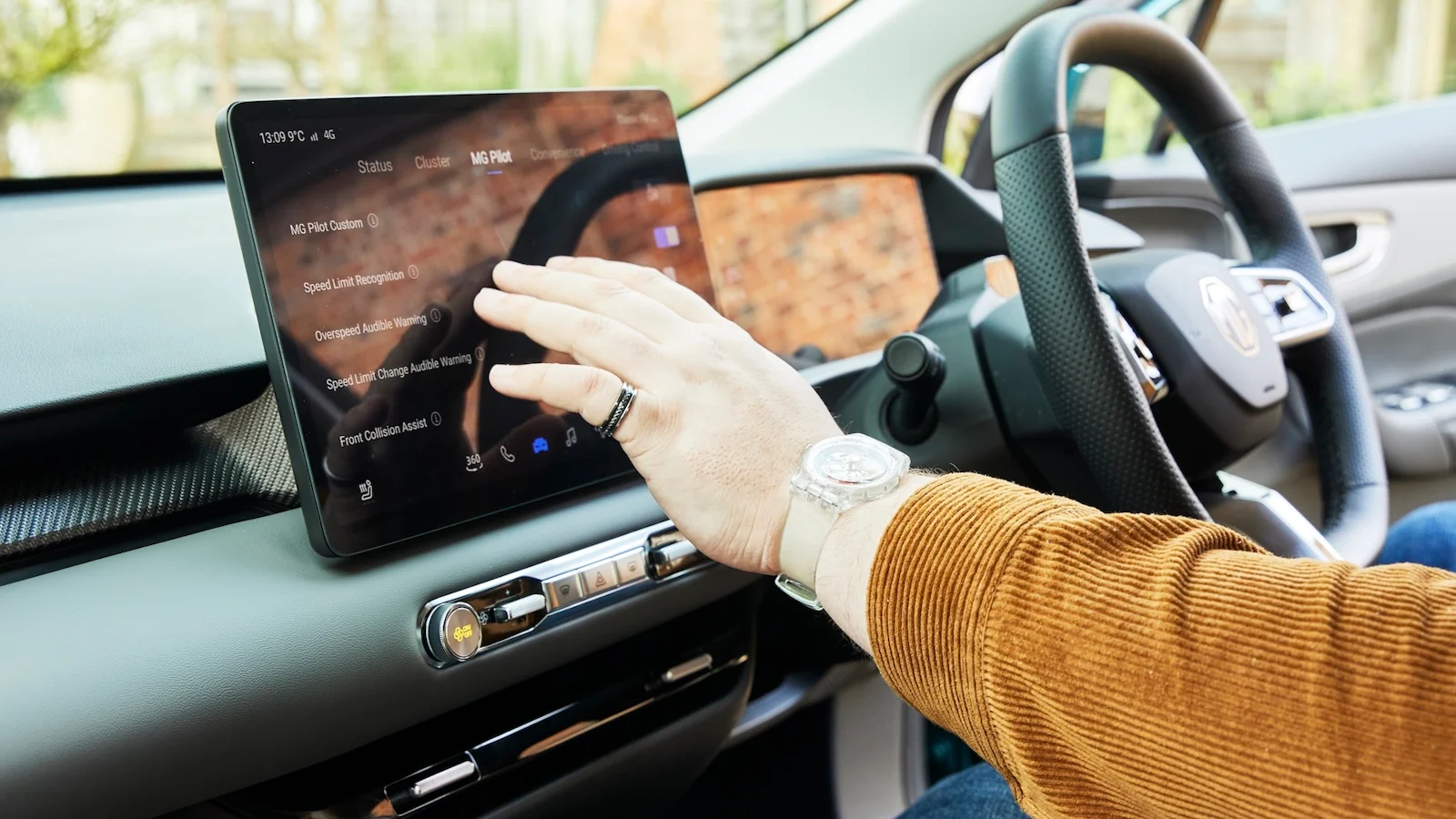
Share your car with your spouse, partner, or relative? Driver profiles can save a lot of frustration.
Many modern infotainment systems let you store personalised settings for:
- Seat position
- Mirror adjustments
- Favourite apps
- Climate preferences
- Navigation history
- Radio presets
Once set up, some cars can automatically switch profiles based on the key fob or connected smartphone.
Car change? Carwow!
Looking for a new set of wheels? With Carwow you can sell your car quickly and for a fair price – as well as find great offers on your next one. Whether you’re looking to buy a car brand new, are after something used or you want to explore car leasing options, Carwow is your one stop shop for new car deals.
Click here to follow us on WhatsApp, where you can keep up-to-date with all the latest news, reviews, advice guides and videos.
*Savings are made up of the maximum dealer discount off RRP – subject to dealership, location and trim. Prices correct at the time of writing.
Compare cars using Carwow